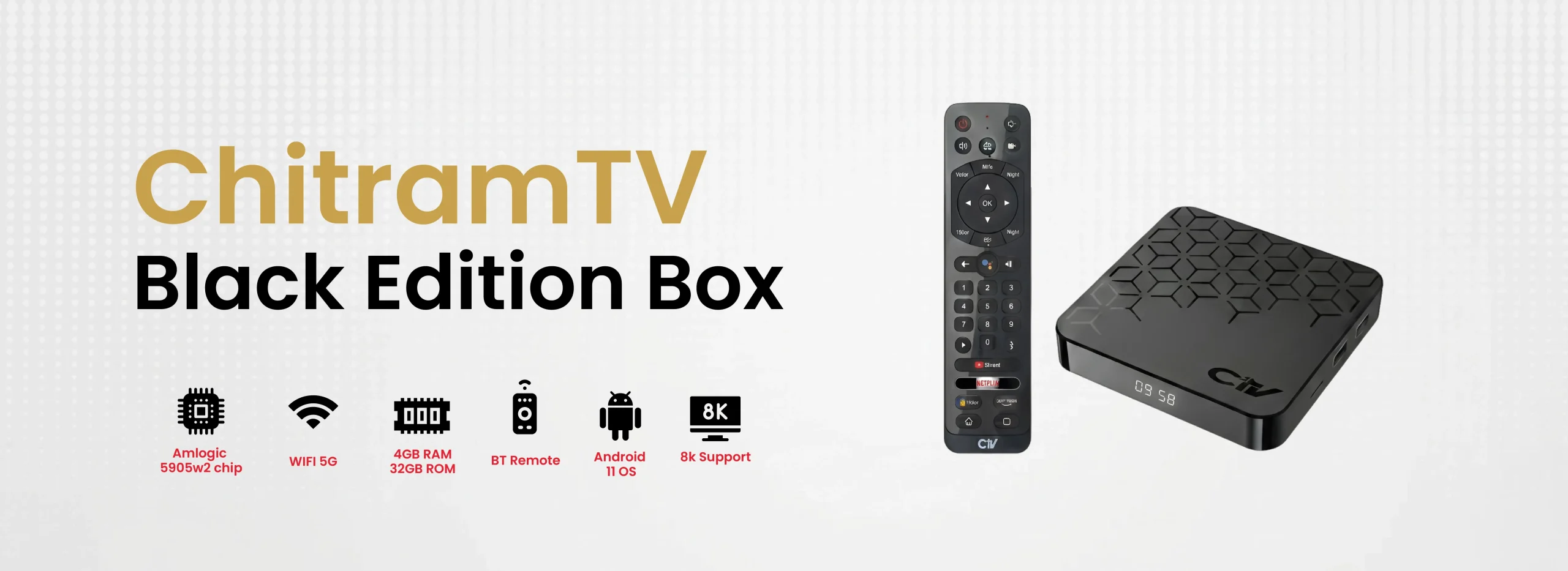
One subscription, all devices - use an Android TV or Chitram TV Box for TV viewing.

The latest.

Air Mouse Remote with QWERTY Keyboard for Mojo Boxes

  • Air Mouse with Motion Navigation

  • Built-in Backlit QWERTY Keyboard

  • Dual Functionality: Remote + Mouse + Keyboard

  • 6-Axis Sensor for Precision Movement

  • Universal Compatibility with ChitramTV Android Boxes

  • Ergonomic, Lightweight & Handy Design

ChitramTV Dune HD IR Remote Control for Classic & Star HD Boxes

  • Infrared (IR) Control

  • Essential Functionality

  • Universal Fit for Star HD Series

  • Reliable Replacement Option

  • Simple Plug-and-Play Operation

  • Ergonomic Design

Android Box replacement Remote Control

  • Universal Compatibility

  • Amazon Fire Stick–Style Navigation

  • Simple and Handy Design

  • No CH+/CH– Confusion

  • Plug-and-Play Operation

  • Reliable Replacement Option

Baseus Bluetooth 5.0 Airpod model Headset

  • Immersive Stereoscopic Sound

  • Bluetooth 5.0 with Intelligent Reconnection

  • Extended Playback with Charging Case

  • Intuitive Touch Controls

  • Featherlight Comfort – Just 4g

  • Fast Charging with USB-C Interface

Air Mouse Remote for AndroidTV

  • All-in-One Air Mouse & Remote

  • 2.4G Wireless Plug & Play

  • Voice Search at Your Fingertips

  • Motion-Control with Gyroscope

  • CH+ / CH− Button Support for ChitramTV

  • Comfortable & Intuitive Design

LAN OTG Cable for Fire Stick, Mi Stick and Chrome Cast

  • Universal Streaming Stick Compatibility

  • Stable Wired Internet Connection

  • Plug-and-Play Setup

  • Micro USB OTG Support

  • Also Works with Laptops

  • Compact & Portable Design

Bring Home the Ultimate Indian Entertainment Experience

01 350+ Indian channels in 10+ languages
ChitramTV offers 350+ premium Indian channels in 10+ languages with HD quality, HQ sound, and feature-rich Classic Boxes at discounted prices

Enjoy Indian TV channels in crystal clear High Definition picture & Movies in 4K

Chitram TV obtains a vast collection of popular movies and programs. Subscribers can enjoy free videos categorized by genre.

You can choose between premium, standard, low and mobile quality resolution for each channel

Parental control features on Chitram TV are very effective to manage and access the required channels and movies in your setup box.

ChitramTV Belgium Luxembourg Netherlands

Original price was: € 29.00.Current price is: € 19.99.

Original price was: € 25.00.Current price is: € 14.99.

Original price was: € 20.00.Current price is: € 9.99.

Original price was: € 49.00.Current price is: € 29.00.

Original price was: € 20.00.Current price is: € 14.99.

Original price was: € 15.00.Current price is: € 9.99.

Smart Viewing Features

Smart Viewing Features

CatchUp TV

14 Days after live broadcasting, you can still watch your missed favourite TV Shows & Serials with the CatchUp function.

Movies

A constantly updated and free collection of exciting movies sorted by genre. New movies are updated weekly – from classical and evergreens to the newest Blockbusters.

Timeshift

Timeshift allows you as a subscriber, living in different time zones, to customize and watch TV shows at your convenience.

Video on Demand

A constant updated and free collection of exciting movies and programs sorted by genre.

Internet Radio

There are many different radio stations from all over the world sorted by country or genre.

WLAN

It allows you to connect the set top box with the wirelessly to your router without the need of ethernet cable.
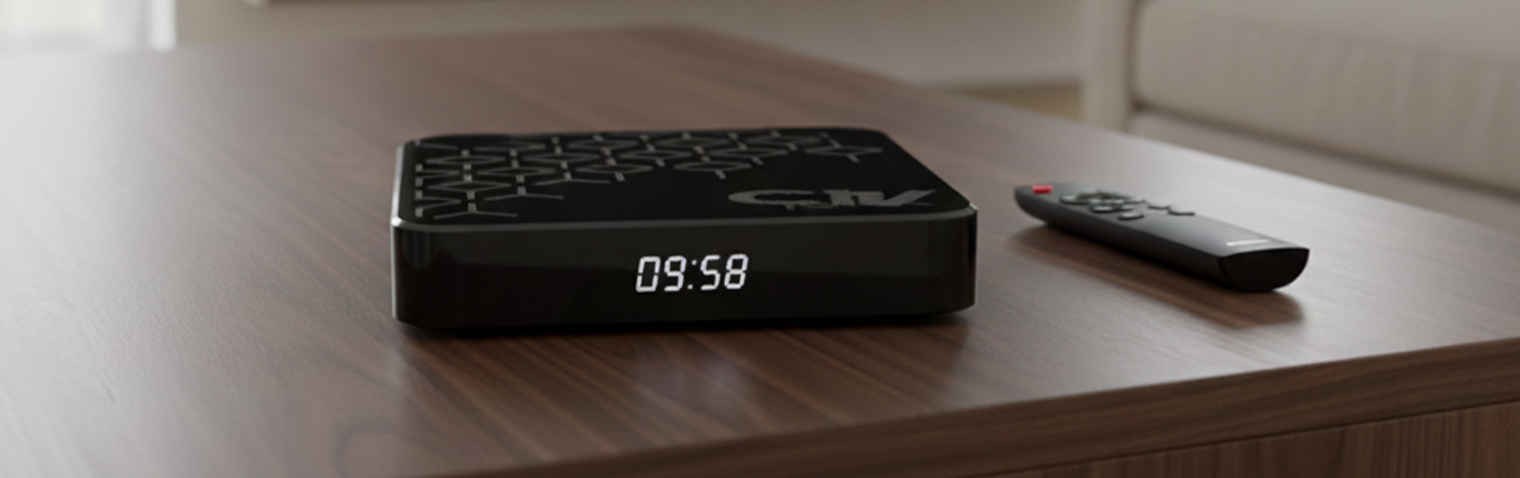
Watch across all devices Get the App Now

Watch ChitramTV On Your Android TV
  • Enable the developer mode in your AndroidTV Settings
  • Download the ChitramTV APK in your Laptop and copy to a USB Stick
  • Install the downloader app by AFTnews from google play store to the TV
  • Install the ChitramTV app via downloader app by entering the code : 5522269
  • Download the apk via a Build in chrome Browser & install
  • Enable the developer mode in your Amazon Fire Stick
  • Install the downloader app by AFTnews from Amazon Store to the Fire Stick
  • Install the ChitramTV app via downloader app by entering the code : 5522269
  • Enable the developer mode in your Amazon Fire Stick
  • Install the downloader app by AFTnews from Amazon Store to the Fire Stick
  • Install the ChitramTV app via downloader app by entering the code : 5522269
  • Download the apk via a Build in chrome Browser & install
  • Enabel developer mode
  • Download the ChitramTV APK in your Laptop and copy to a USB Stick
  • Download the apk via a Build in chrome Browser & install
  • Install the downloader app by AFTnews from google play store to the TV
  • Install the ChitramTV app via downloader app by entering the code : 5522269
  • Download the LDPlayer software in your laptop
  • Download the latest  APK / APP File  of ChitramTV to your Laptop
  • Install the ChitramTV APK in LDPlayer  from your Laptop double click orcopy the apk to the LD player
  • Download the ChitramTV APK in your Laptop and copy to a USB Stick
  • Download the apk via a Build in chrome Browser & install
  • Install the ChitramTV app via downloader app by entering the code : 5522269
  • Download the apk via a Build in chrome Browser & install
  • Download the apk via a Build in chrome Browser & install

Meet Our happy customers